A 20-something individual is searching for dinner plans on their phone. They find your restaurant, click your website—and within seconds decide whether to visit or move on. That’s how important your website is today. It’s not just a digital presence; it’s your first impression.
If you’re building a restaurant website, working with a WordPress web design agency is one of the easiest ways to do it right.
Why Your Restaurant Needs a Website
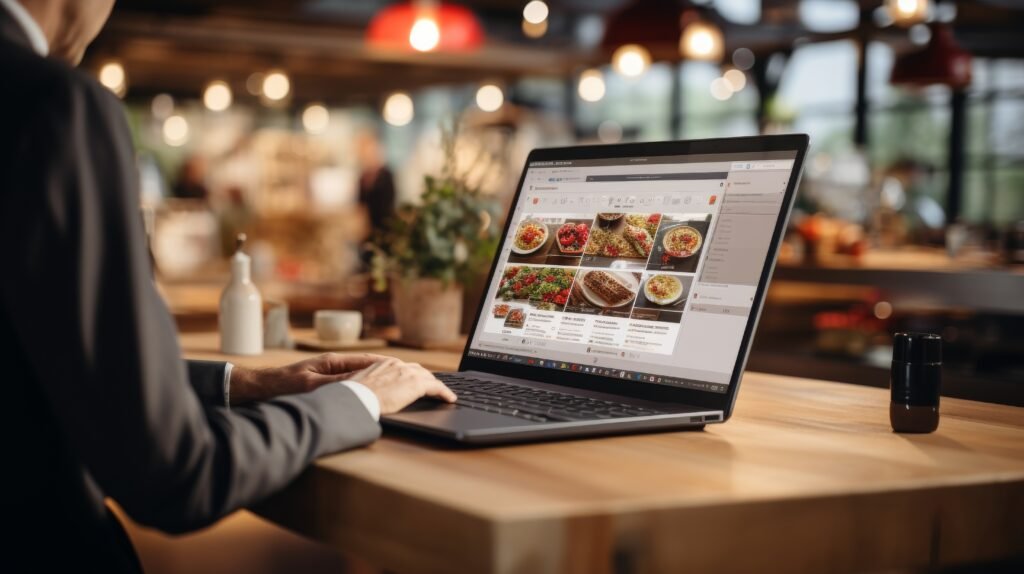
Social media is helpful, but it’s not enough. A dedicated website gives you full control over how your restaurant shows up online.
By working with a WordPress website design agency in Kolkata, you can:
- Share your menu, prices, and seasonal specials.
- Showcase photos that actually make people hungry.
- Display your location, hours, and contact details clearly.
- Let customers book a table or order food online.
- Highlight reviews and customer experiences.
- Build an email list for offers and events.
Building a Restaurant Website with WordPress
Start With the Right WordPress Setup
The good thing about WordPress is that you don’t need to start from scratch. There are ready-made restaurant themes designed for layouts like menus, galleries, and reservations.
WordPress website design companies in Kolkata can help you pick a clean, mobile-friendly theme. Most of your visitors will be browsing from their phones, so your site needs to load fast and look good on smaller screens. Keep navigation simple. Your visitors should be able to find:
- Menu
- Location
- Reservations
- Contact info
If they have to dig for these, they’ll leave.
Make Your Menu Easy to Explore
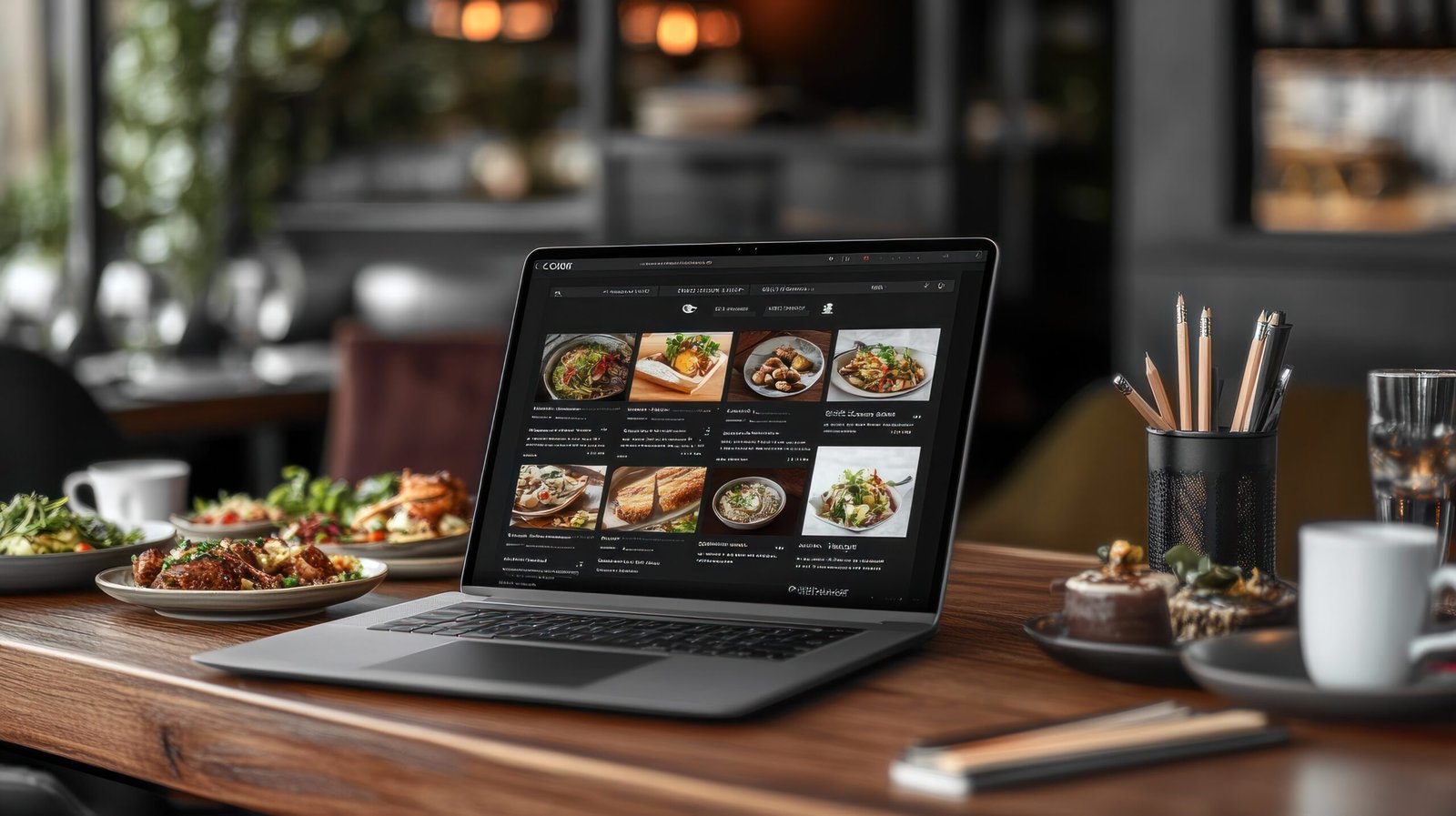
Your menu is the most visited page on your website. Don’t treat it like an afterthought.
Instead of uploading a PDF, build a proper menu page. This makes it easier to read on mobile and helps with SEO. Break it into sections for starters, main course, desserts, and drinks.
Add short descriptions where needed, but keep it clear and quick to scan. If you have special offers or combos, highlight them.
Use Photos That Actually Sell
People eat with their eyes first. A few high-quality photos can do more than paragraphs of text. Add images of signature dishes, interior ambiance, seating areas, etc. You don’t need hundreds of photos—just a few good ones that reflect your brand.
Add Online Reservations and Ordering
Convenience is everything. If customers can book a table or order food directly from your website, you remove friction.
WordPress makes this easy with plugins and built-in blocks. For example:
- Reservation tools let users pick a time and book instantly.
- Ordering integrations helps you accept pickup or delivery requests.
Help Customers Find You Easily
This sounds basic, but many restaurant websites get it wrong. Make sure your site clearly shows the address, opening hours, and phone number.
WordPress website development agencies in India use a map feature so visitors can locate you instantly. This is especially important for mobile users who’re already on the go.
Build Trust with Reviews and Email
New customers rely heavily on what others say. Add testimonials or pull in reviews to show credibility. Even a few genuine customer comments can make a difference.
Also, include a simple email signup. Offer something small–like updates on special menus or discounts—to encourage signups. This helps you stay connected with your audience after a visit.
Don’t Ignore SEO
A well-built WordPress website helps your restaurant show up in search results. Use clear page titles like:
- Italian Restaurant in [Your Area]
- Best Burgers in [Your City]
Add keywords naturally, not forcefully. Focus on answering what people are actually searching for.
When to Get Expert Help
You can build a WordPress site yourself. But if you want something polished, fast, and optimized for conversions, working with professionals can save you time and effort.
That’s where WordPress website development services like Digital Concepts come in. They understand how to structure restaurant websites not just for design, but for performance. This makes sure your site loads fast, ranks well, and turns visitors into customers.
A restaurant website needs to look good, but it also should be easy for people to choose you. Just focus on clarity, usability, and real customer needs. This way, your WordPress website will bring more people through your doors!
FAQs
1. Why does my restaurant need a website?
A website for your restaurant is like your digital storefront. It helps customers find you online, showcase your menu, and book tables.
2. How do I add a menu to WordPress?
You can add a menu in WordPress by going to Appearance > Menus, creating a new menu, and adding pages or custom links. For restaurant-specific menus (like food menus), you’ll likely need a plugin like WP Restaurant Menu.
3. Is my restaurant website mobile-friendly?
Given that 89% of restaurant searches happen on mobile, make sure your site is mobile-friendly by checking with Google’s tools and ensuring reservation buttons and menus work smoothly on smartphones. If you need professional help here, reach out to WordPress development experts like Digital Concepts.


Amilia Brown is a seasoned business writer & strategist who simplifies complex business concepts and turn them into engaging narratives. As a trusted business writer, she delivers actionable insights with precision.




 Indian CEOs in America: A Detailed Account of the Masterminds
  Add Boosters to Your Business Wheels in 2025 with These 5 Strategies
  6 Skills Every Business Leader Should Possess and Hone
  The Vital Role Of Plastic Tubing In Our Medical Infrastructure
  Why Treating Your Employees like Assets and Investing in Them is a Good Idea