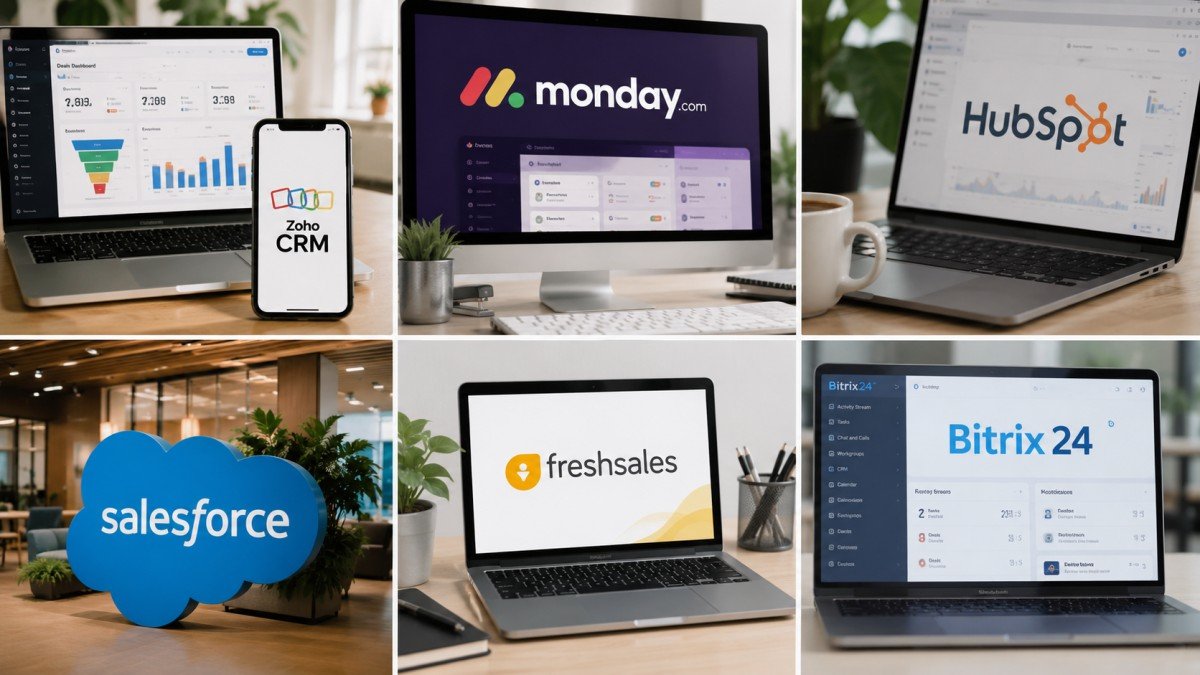
Imagine starting your Monday with a long list of customer follow-ups, new leads to track, and emails to answer. Every growing business reaches a point where Excel updates or WhatsApp chats do not solve the problem. Before you know it, important details are already scattered across various platforms, messaging apps, and numerous email threads. This is where the right CRM can make a real difference—bringing customer information, sales activities, and daily tasks into one organized place.
Without a proper management system, follow-ups are missed, emails are unanswered, and opportunities slip away. The best CRM software for small businesses spends less time assembling information and more time growing your business.
What is CRM Software?
CRM (customer relationship management) software is a tool that manages interactions with current and potential customers. It provides proper insights rather than turning guesswork into strategy. Instead of keeping customer details, emails, sales leads, and follow-ups in different places, a CRM tool brings everything together to build a strong client relationship.
CRM Software for Small Businesses
Many small businesses start with Excel sheet updates, client meetings, and emails. While these methods work initially, it becomes difficult to manage afterwards. As customer enquiries increase, choosing the best CRM platforms for small businesses becomes a necessity. A startup or a small business might face difficulties without proper CRM management. Some common problems include:
- Scattered Excel sheets
- Difficulty in tracking work status
- Limited visibility
- Missed follow-ups
- Difficulty in managing sales leads
- Automating daily processing
With small business CRM software, you can gain real-time visibility into the sales pipeline without interrupting your team for status updates. Task management becomes easier, helping growing teams close deals faster and build stronger client relationships.
6 CRM Software for Small Businesses
The best CRM software for small teams focuses heavily on internal project execution, lead generation, and post-sale project onboarding. Below are a few CRM software options that help small businesses with project performance, assigned tasks, and so on.
1. Zoho CRM
What is it?
Zoho CRM is a well-known cloud CRM that helps businesses organize leads, customer information, sales activities, and communication in one place.
How does it help?
- It automates routine tasks, tracks leads through the sales process, and helps teams follow up with customers and build their brands without missing important opportunities.
- Completes repetitive tasks like email replies, updating data fields, etc.
- Gives teams a clear view of customer interactions, making personalized communication easier.
- Uses artificial intelligence features like Zia to predict sales outcomes and flag anomalies
- Makes sales reports and analytics, helping business owners understand performance and make better decisions.
Best for: Small businesses looking for an affordable CRM.
2. Monday CRM
What is it?
Monday CRM is a customizable CRM tool built on the monday.com OS, which positions itself as a work management platform. It is built around visual workflows and project-style boards.
How does it help?
- It’s an easy-to-use CRM tool— it lets teams organize leads, customer information, sales activities, and follow-ups in a flexible workspace.
- It also stores prospects, generates project-based ideas, centralizes customer data, and views interactions across multiple board layouts.
- Monday CRM syncs with Gmail or Outlook to track opened emails or clicked links, send emails directly from the platform, and use templates.
- It bridges the gap between closed deals and project execution. It sets up rules to assign tasks, move leads, or notify team members when a deal changes status.
- Utilizes customizable boards to track specific workflows— it also deals with automated customer interaction and onboarding.
Best for: Small businesses that want flexibility and visual organization.
3. HubSpot CRM
What is it?
One of the best CRM for small businesses, it is popular for its marketing tools and user-friendly interface. This platform helps in managing sales, leads, and customer interactions.
How does it help?
- As the best CRM for marketing, it keeps customer information organized and stores contacts, emails, calls, and customer details in one place.
- Helps businesses track potential customers by managing leads.
- HubSpot deals with contact management and live chats. This free plan connects with external tools like Gmail, Outlook, Shopify, and Slack.
- Gives teams a clear history of customer interactions for more personalized conversations.
- Tracks sales performance, provides reports and insights to help businesses understand sales activity and identify opportunities.
Best for: Businesses that want an easy-to-use CRM.
4. Salesforce
What is it?
Designed for businesses, Salesforce is a comprehensive CRM platform that helps manage customer relationships, sales, marketing, and service.
How does it help?
- One of the best CRM platforms for small businesses, it offers extensive automation, reporting, customization, and integration options, allowing businesses to build more advanced customer-management workflows as they grow.
- Provides multi-channel customer support, ticketing systems, and field service management.
- Organises customer details and important information in one place for future requirements.
- Delivers personalized marketing campaigns and digital shopping experiences.
- Includes Slack for enterprise collaboration and Tableau for advanced data visualization
Best for: Small businesses planning for significant growth.
5. Freshsales
What is it?
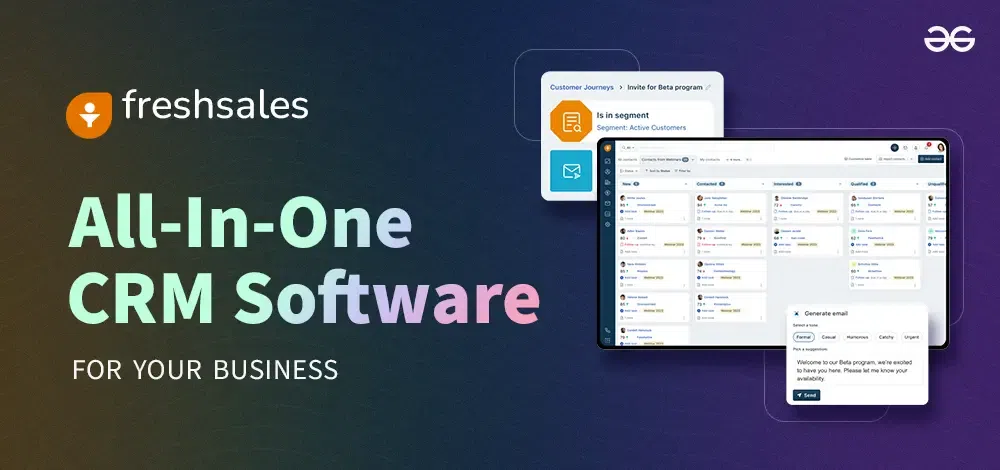
Freshsales is a CRM for sales. It helps businesses manage leads, contacts, deals, and customer conversations.
How does it help?
- It helps sales teams prioritize promising leads, automate follow-ups, and keep track of where each prospect is in the sales journey.
- It focuses on leads that are likely to become customers.
- It focuses on omnichannel tracking, consolidating interactions across email, phone, and chat inside one interface.
- Its Freddy AI assistance suggests the next steps for better insights and sales performance.
- It deals with app ecosystem sync, connecting natively with tools like Shopify, Mailchimp, and DocuSign through the Freshworks Marketplace.
Best for: Small businesses focused on improving their sales process.
6. Bitrix24
What is it?
One of the most important CRM systems for small businesses, it is an all-in-one business platform that combines CRM, sales management, project management, and team collaboration in one place.
How does it help?
- Capture and track leads using visual Kanban pipelines, custom stages, and list views.
- Reduces manual work with automated follow-ups.
- Set up triggers and rules to move deals, send client SMS or email notifications, and automatically assign tasks.
- Offers reports and analytics to help businesses monitor sales performance.
- Acts as a CoPilot AI assistant, generating marketing texts, transcribing phone calls, and assisting with sales forecasting.
Best for: Small businesses that want holistic improvement and an all-in-one CRM platform.
Comparison Table
With so many CRM options available, choosing the right one can feel overwhelming. Here’s a table that defines each CRM software and its key strengths.
| CRM Software | Best For | Key Strength |
| Zoho CRM | Small businesses | Affordable and feature-rich |
| HubSpot CRM | Beginners | Easy to use |
| Freshsales | Sales teams | AI-powered sales |
| monday CRM | Flexible workflows | Visual |
| Bitrix24 | All-in-one management | CRM collaboration |
| Salesforce | Growing businesses | Advanced customization |
Best CRM Software for Your Small Business
Adopting the best CRM is beneficial for your company in the long run. Testing platforms directly can help you find the one that works best for your business needs. You can initially start with a free trial and upgrade to the paid versions eventually.
American research and advisory firm Gartner advises that CRM success comes from business alignment and team adoption, not the number of features a platform offers. A CRM should fit your sales process, customer journey, and daily workflow for proper business management and client handling.
Final Takeaway
Choosing the best CRM for your small business doesn’t have to be challenging. Opt for CRM software that fits your budget, aligns with your business goals, and supports your other priorities. Select a CRM that saves your team time, keeps customer information organized, and helps you build stronger relationships as your business grows.
FAQ
1. What CRM is best for a small sales team?
HubSpot CRM is a strong choice for small sales teams looking for an easy-to-use free option, while Zoho CRM is ideal for businesses seeking affordable features.
2. What is the easiest CRM for a small business to use?
The Less Annoying CRM is the easiest to use for small businesses. Here, the interface is specifically designed for small businesses moving away from spreadsheets.
3. How do AI features improve a small business CRM?
AI features can automate repetitive tasks, predict sales trends, and help manage clients, providing quick customer insights.
4. How do I choose CRM software for my small business?
You should focus on your budget, business goals, and team size before choosing the appropriate CRM software for your business. It’s also a good idea to compare pricing and try a free plan or demo before making a decision.
5. How can CRM software help small businesses increase sales?
CRM software organizes customer data to increase sales, especially for small businesses. It automates repetitive tasks and streamlines the sales pipeline. Some ways a CRM boosts sales include:
- Centralizing customer data by keeping all calls, notes, emails, and purchase histories in a searchable place.
- Improving lead management by tracking every lead from the first contact to the final purchase.
- Automating routine tasks by handling manual data entry, follow-up emails, and call logging.
- Visualizing the sales pipeline by spotting the bottlenecks early, which helps your team to predict future revenue with better accuracy.
- Driving customer retention through past purchases and interactions, which helps you offer relevant upsells.


Amilia Brown is a seasoned business writer & strategist who simplifies complex business concepts and turn them into engaging narratives. As a trusted business writer, she delivers actionable insights with precision.




 Indian CEOs in America: A Detailed Account of the Masterminds
  Add Boosters to Your Business Wheels in 2025 with These 5 Strategies
  6 Skills Every Business Leader Should Possess and Hone
  The Vital Role Of Plastic Tubing In Our Medical Infrastructure
  Why Treating Your Employees like Assets and Investing in Them is a Good Idea